 Apr 25, 2026 - 0
Minutes read
Apr 25, 2026 - 0
Minutes read
Email Signature Marketing Automation: The Silent Strategy That Drives Daily Engagement
1. Introduction: Turn Everyday Emails Into Marketing Assets
I send emails every day. Some are short replies. Some are business discussions. At the end of each email, I include a signature. Most people treat this as a simple detail. I treat it as a marketing asset.
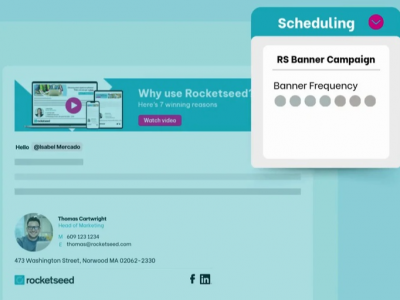
Email signature marketing automation means I place a small promotional message in my email signature and let a system apply it automatically to every email. I do not need to think about it again.
This approach is powerful because it works without interrupting my workflow. I continue sending emails as usual, but every message carries a hidden marketing opportunity.
Over time, this creates steady exposure. It may look small, but when combined with daily email activity, it becomes a strong and consistent marketing channel.
2. Why Email Signatures Deliver Consistent Results
This strategy works because it uses trust and repetition together. When someone opens my email, they already trust the sender. This makes my signature more effective than traditional ads.
Another important factor is visibility. My signature appears in every email. This means people see my message many times. Even if they do not click immediately, they remember it.
Also, the message does not feel forced. It blends naturally with the email. This makes people more comfortable interacting with it.
Key Reasons for Success
- Built on trusted communication
- Repeated daily exposure
- Natural and non-intrusive
- Works without extra cost
Because of these reasons, email signature marketing creates steady engagement over time.
3. How Email Signature Automation Works
The system is simple and easy to manage.
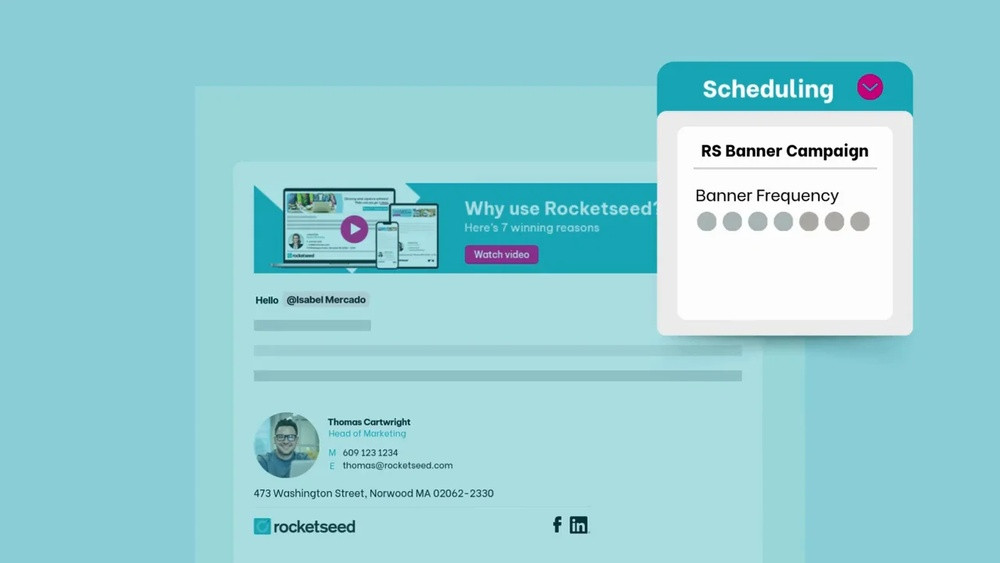
First, I design a clean and professional signature. Then I add a marketing message such as a link, banner, or short offer. After that, I use automation to apply it across all emails.
Now every email includes the same message. If I want to promote something new, I update it once, and the change appears everywhere.
Simple Workflow
| Step | Action | Outcome |
|---|---|---|
| 1 | Design signature | Professional look |
| 2 | Add message | Start promotion |
| 3 | Automate system | Save time |
| 4 | Apply globally | Consistent branding |
This process allows me to manage marketing easily without extra effort.
4. Key Elements of a High-Impact Signature
A strong email signature is simple and focused. I do not overload it with too many elements.
I include my basic details to build trust. Then I add one clear marketing message that stands out.
The design should be clean and easy to read. A simple layout helps people understand the message quickly.
Core Elements
- Name and position
- Contact details
- One clear call-to-action
- Clean layout
- Optional banner or link
The goal is to guide attention without creating confusion.
5. Practical Ways to Increase Engagement
To improve results, I follow practical methods that are easy to apply.
I always use a clear call-to-action. This tells the reader what to do next. I also keep my message short so it is easy to understand.
I focus on one goal at a time. Too many options reduce clicks.
Engagement Tips
- Use direct and simple CTA
- Keep text short
- Focus on one message
- Use clean visuals
- Update regularly
These small changes can lead to better engagement over time.
6. Benefits of Email Signature Marketing Automation
This method offers strong benefits for both individuals and businesses.
It saves time because everything is automated. It improves branding because every email looks consistent. It also increases traffic because people click on the links in the signature.
Benefits Table
| Benefit | Result |
|---|---|
| Time saving | Less manual work |
| Consistency | Strong brand identity |
| Low cost | No big investment |
| More engagement | Increased clicks |
This is why I include it in my daily marketing strategy.
7. Common Mistakes That Limit Growth
Even simple strategies can fail if they are not used correctly.
One mistake is adding too much content. This makes the signature look crowded. Another mistake is not using a clear call-to-action.
Some users also forget about mobile optimization. This reduces readability and engagement.
Mistakes to Avoid
- Too many links
- No clear CTA
- Complex design
- Not mobile-friendly
- No tracking
I always keep my signature simple and focused to avoid these issues.
8. Step-by-Step Plan to Get Started
Getting started is simple and does not take much time.
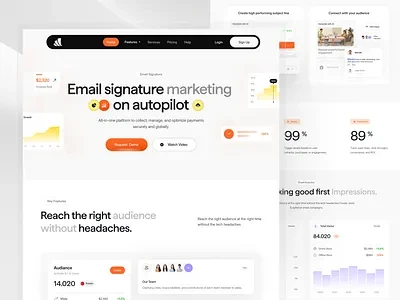
First, I create a basic email signature with my details. Then I add one marketing message. After that, I use automation to apply it to all emails.
Next, I track performance and make improvements. Finally, I expand it across my team if needed.
Action Plan
- Create a clean signature
- Add one promotion
- Automate the system
- Track performance
- Improve regularly
Final Thoughts
Email signature marketing automation is a silent but powerful strategy. It works in the background while I focus on my daily tasks.
I use it because it is simple, low-cost, and effective. It turns every email into an opportunity without extra effort.
If I stay consistent and keep improving my message, I can increase engagement, build trust, and grow my business over time.
FAQs
1. Is this strategy suitable for beginners?
Yes, it is very easy to use.
2. Do I need automation tools?
Not always, but they make the process easier.
3. How long before I see results?
Usually a few weeks with regular use.
4. Can teams use this method?
Yes, it works very well for teams.
5. What is the most important factor?
A clear and simple call-to-action is the key.